What we shipped.
Every release, newest first, written for the people using Pulget rather than for whoever deploys it. The latest is 0.0.8.
Subscribe by RSSSubscribe by RSSPersisted table layouts, real-time import progress, activity notifications, unified auth screens, brand identity updates, and interactive insights drilldown.
New
- Customizable transactions table columns with drag-and-drop ordering
- Floating import tray showing real-time statement ingestion progress
- Activity-derived notifications feed and account menu trigger
- What's new link in the sidebar help menu
- Dedicated illustrations for error and chunk update screens
- Direct chart drill-through from insights donuts and trends to filtered transactions
- Active filter chips on list toolbars with single-click removal
- Statement import prompt immediately after adding a new account
- Live reporting currency preview for foreign amounts across all forms
- Workspace command palette with Cmd+K shortcut
- Public help center and support contact form
- Plan pricing page with feature comparison table and usage meters
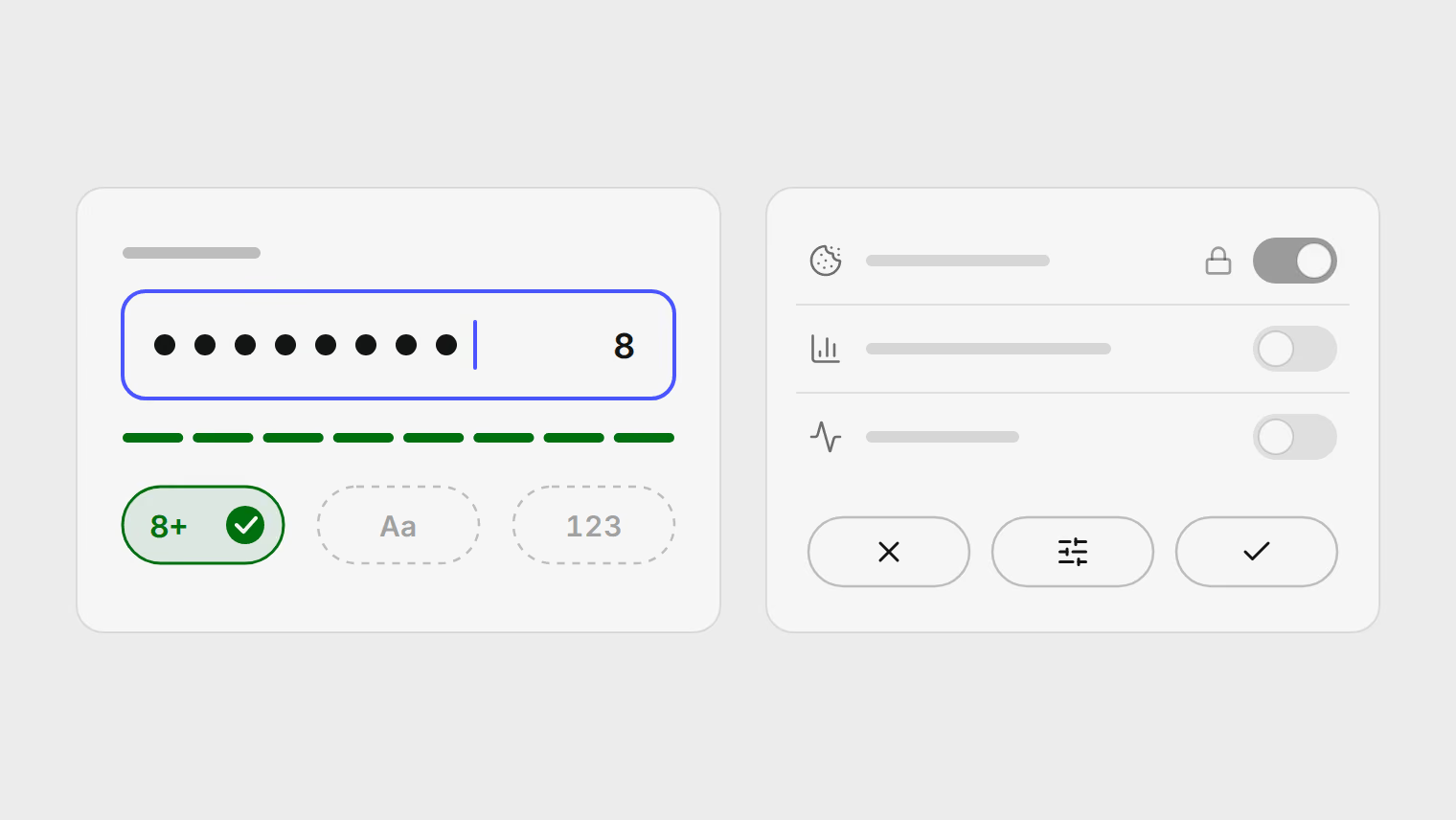
- Show password toggle on sign-in, sign-up, and password reset
- Answers suggested beside the contact form, matched to the topic you pick
- Dismiss a stopped import from the tray without deleting the document
Improved
- Unified auth card frame, field primitives, and layout across sign-in, recovery, and consent
- Fixed brand tile color and accent styling across all logos and icons
- Compact single-row import tray for single uploads
- WCAG 2.1 AA focus ring indicators and standardized control states
- Plain-language messages when the AI service is busy, unreachable, or cannot read a file
- Clearer hero and plan cards, with the annual saving stated on the price
- Spend trend charts with all-time window selection
- Unified transaction classification for income sources and categories
Fixed
- Focus ring indicator on password visibility toggle
- LLM connection error mapping precedence
- Pointer cursor on cash flow trend chart
- Clustering parsing for caret PAN masks and acquirer metadata trailers
- Suppressed duplicate global error toasts for inline ingestion notices
- Settings failing to load, and the app reporting the server as unreachable
- Tooltips rendering behind toasts, and toasts drifting sideways beside the import tray
- Form errors naming internal field types instead of the field you filled in
- Location filter dropping while transactions were still loading
Introduces workspace plan tiers, monthly usage quotas, plan settings, and upload limits.
New
- Workspace plan tiers with document and billable page limits
- Plan and usage settings page showing monthly quotas and reset dates
- Administrative CLI for workspace plan tier management
Improved
- Upload and spreadsheet editing bounded by active plan tier limits
- Centralized modal dismissal behavior and nested dialog safety
- Unified wizard navigation contracts across statement import stages
The marketing site gains dark mode, a live status board, public changelog, and moment charts.
New
- Live public status page with real-time component health checks
- Social cards across all marketing and legal routes
- Public changelog page and RSS feed
- Dark mode and smooth scrolling on the marketing site
- Donut chart view for moment category breakdowns
- Interactive cash flow and preview components
- Newsletter subscription endpoint
Improved
- Transaction locations shown per row in moment timelines
- List panel headers with stronger typography and contrast
- Settings content column centered with shell-aligned header bleed
- Simplified benefits bento grid without redundant icon tiles
- Collapsible cards with on-demand feeds for moment submoments
- Literal and concise copy across dashboard routes
- Marketing layout widened to 1280px with squircle header
Fixed
- Celery database connection stability after process fork on macOS
- Public endpoints allow anonymous access under rate limiter
Security
- Browser authentication switched to PKCE flow
Edit hubs line up, and statement coverage is visible.
New
- Statement coverage now names missing periods
- Moments now have a summary field
Improved
- Accounts, moments, income and debts share one edit pattern
- Account numbers and cards now render as compact chips
- Moment pages now use separate summary, group and map sections
Moments gain tabs, totals and clearer account numbers.
New
- Moment tabs for timeline, place breakdown and transactions
- Choose the number that identifies an account
Improved
- Masked numbers sit still while editing
- Merchant trends now use one trailing twelve-month view
Account security stops being a page of placeholders.
New
- Continue with Google on login and signup
- Link Google to an existing email account
- Active sessions list, with sign out everywhere
- Pulget templates for account email
- Export report cards as PNG images
Improved
- Imports start faster and show clearer read progress
Fixed
- Unreadable PDFs now say why they failed
- Stuck imports recover themselves
Security
- Email webhook hardened against forged and replayed deliveries
Split date and time columns now import correctly.
New
- Read split date and time columns
- Map date, time and datetime roles during import
- Security and notification settings are real pages
- Bad app loads recover with a chunk-error screen
Improved
- Merchant names stop shouting
- Route loading states match the page shape
- Extraction prompts are shorter
Fixed
- Transactions and accounts tables stay inside the viewport
Recurring bills, masking and review edges landed together.
New
- Recurring bills grouped by cadence
- Bank and card numbers use one masking format
Fixed
- Approving a review item twice is harmless
- Exchange rates survive a failed lookup