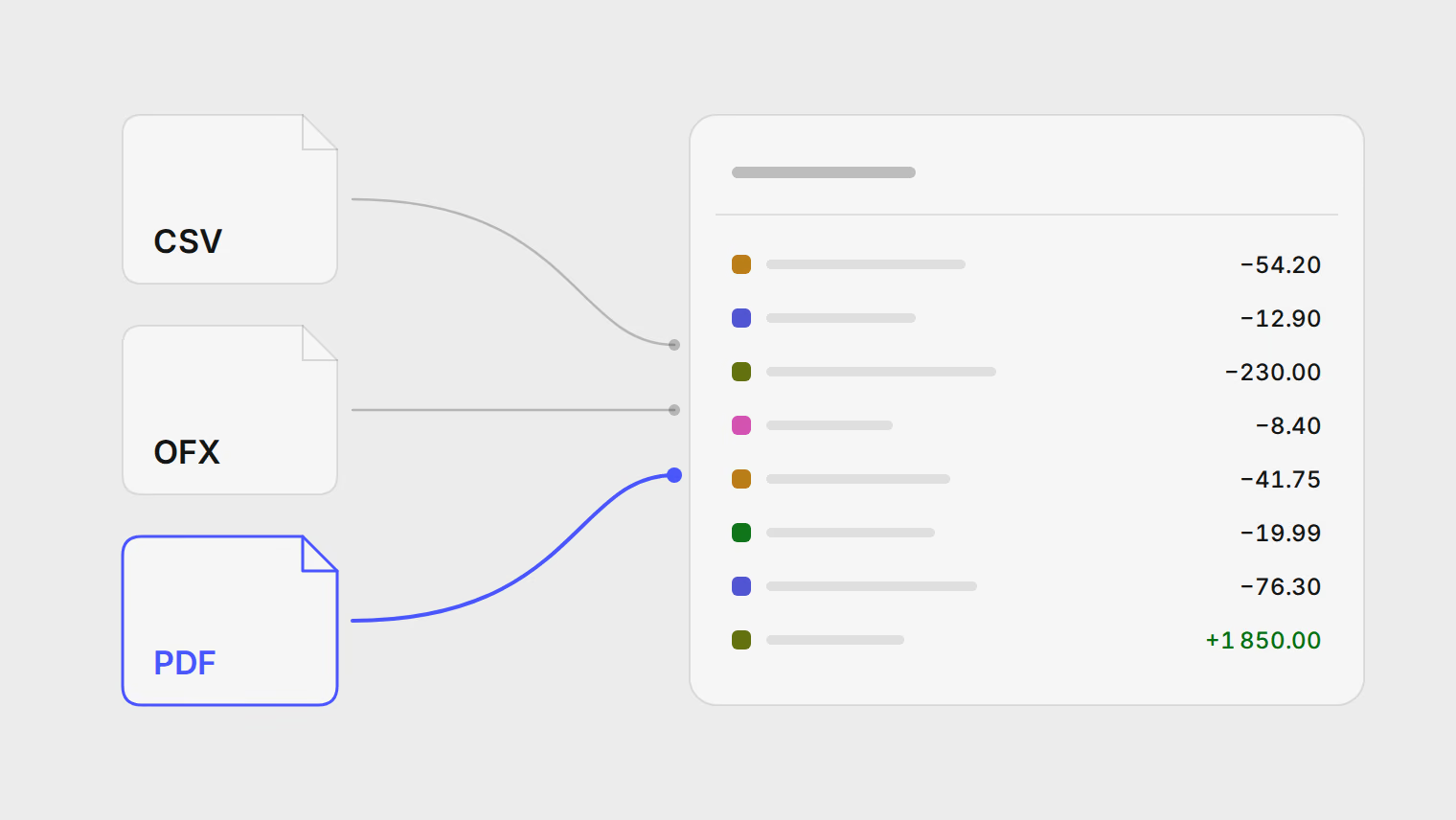
Articles
Comparisons and walkthroughs for tracking spending from bank statements, written by the people who build Pulget.
Last updated:
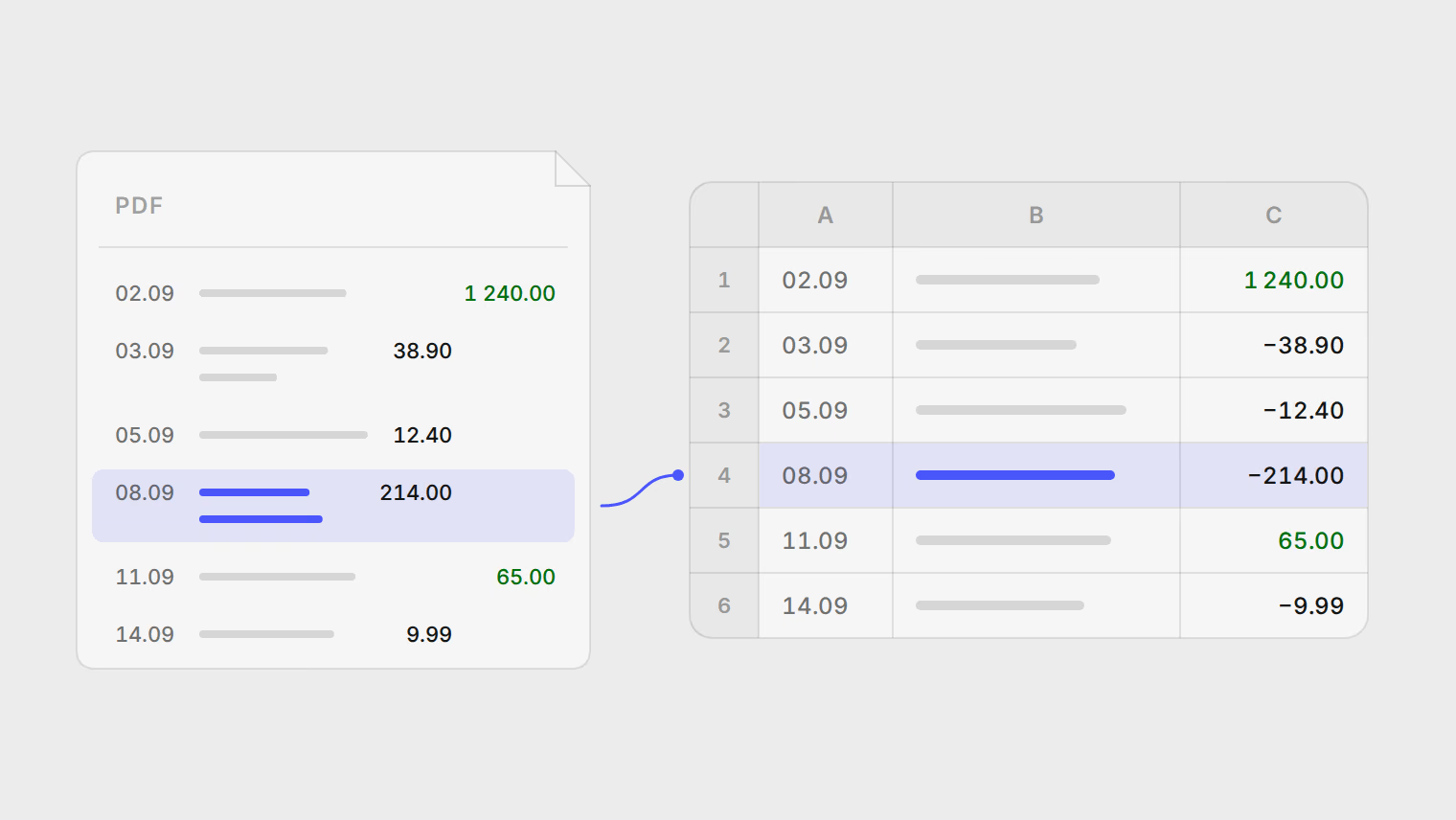
How to convert a PDF bank statement to Excel, and check nothing went missing
Four ways to get a PDF statement into Excel: Excel's PDF connector, copy and paste, Data from Picture for scans, or an extractor you review row by row.
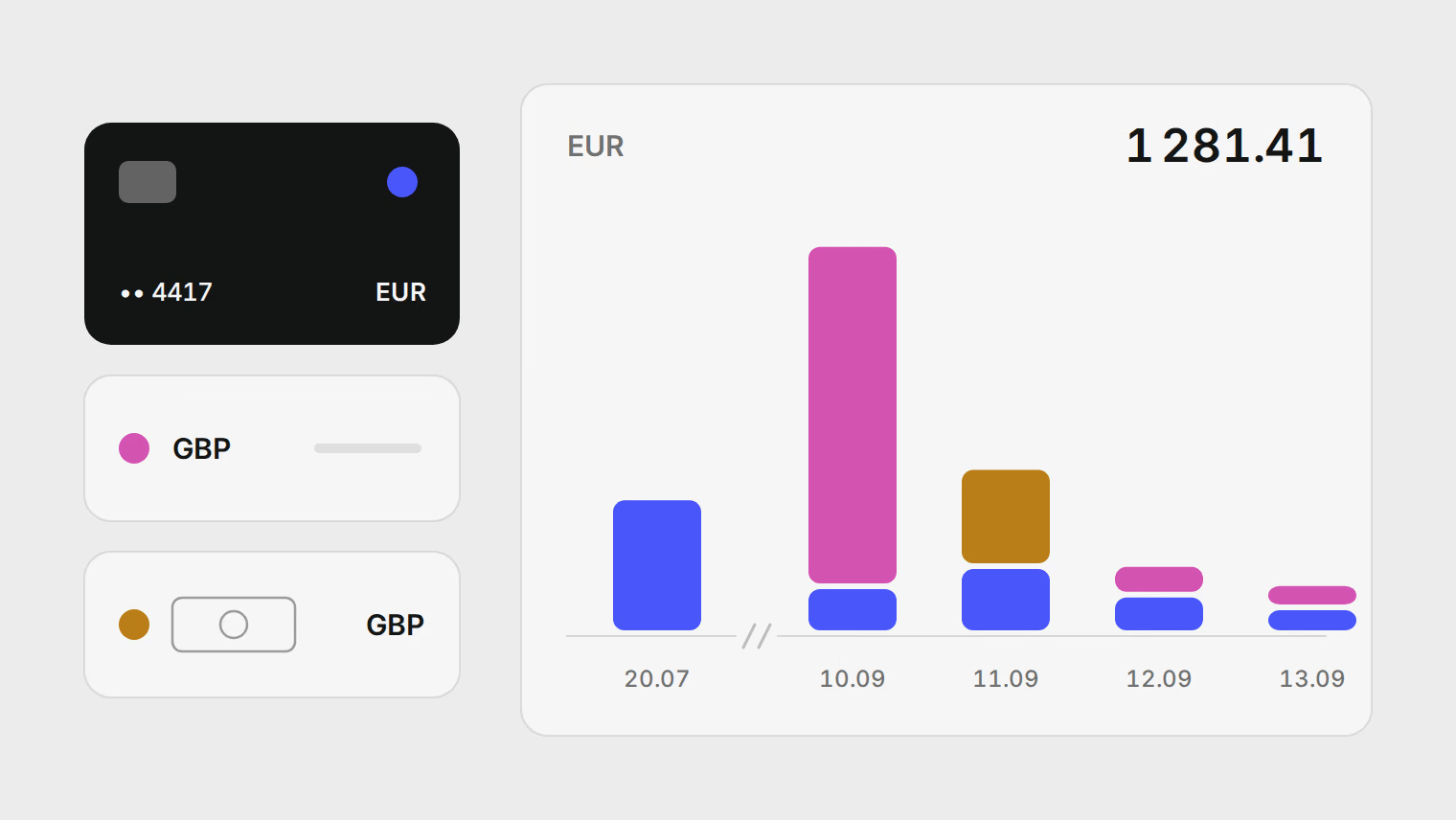
How much did my trip really cost? Add it up across cards and currencies
A worked method for the true cost of a trip paid by card, from a multi-currency balance and in cash, with per-date reference rates, card markups and ATM fees.
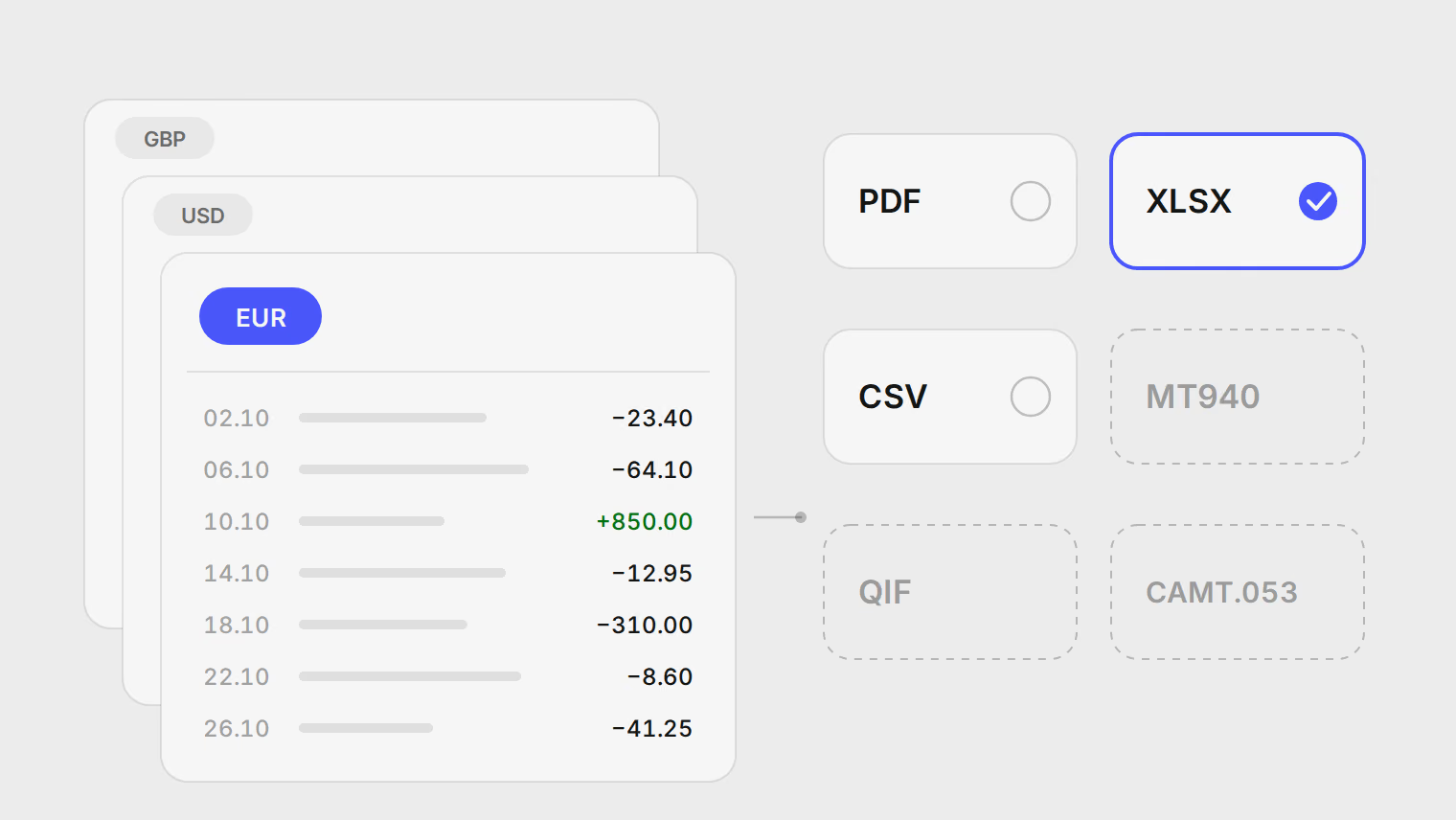
How to export a Wise statement and analyze your spending
Download a Wise statement for each balance, pick the right format, and work out what you spent without counting conversions and top-ups as spending.
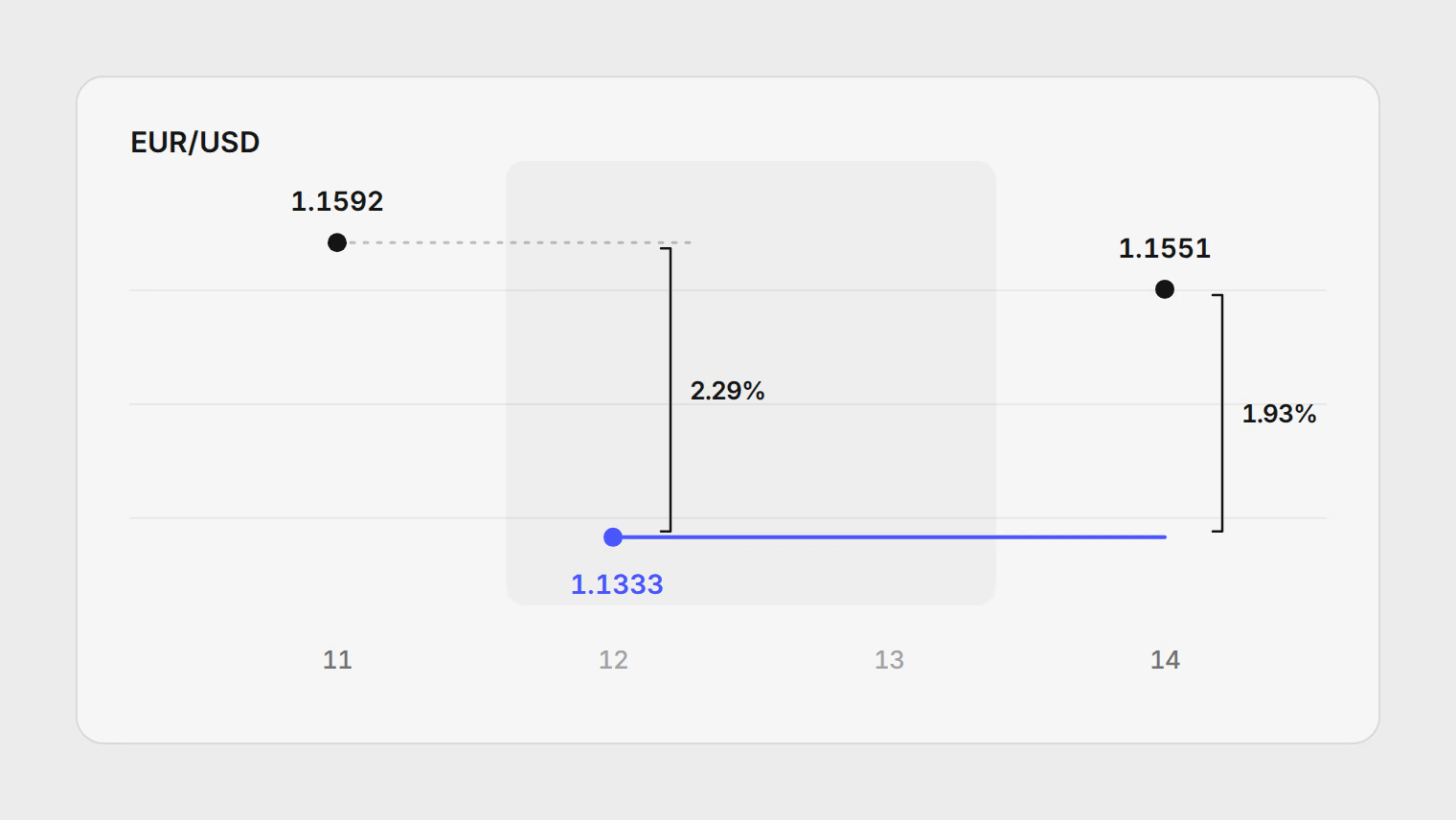
How to check the exchange rate your card charged you
A worked example: find the rate your bank applied to a foreign-currency card payment, compare it with the ECB reference rate, and work out the markup.
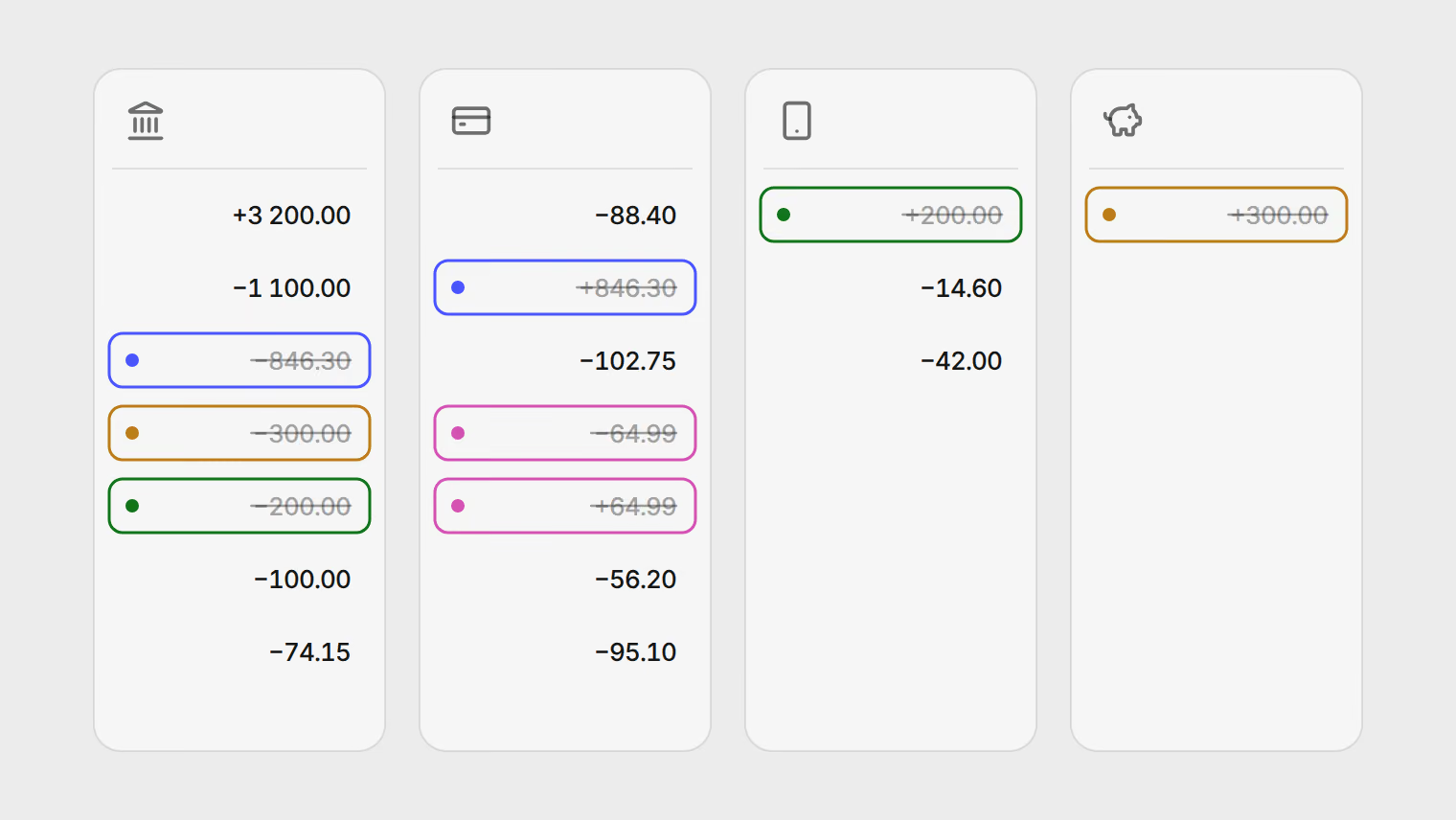
How to combine bank statements without counting money twice
A worked month across a current account, a credit card, a payment app and savings: where totals double, the check that catches it, and the rules that fix it.
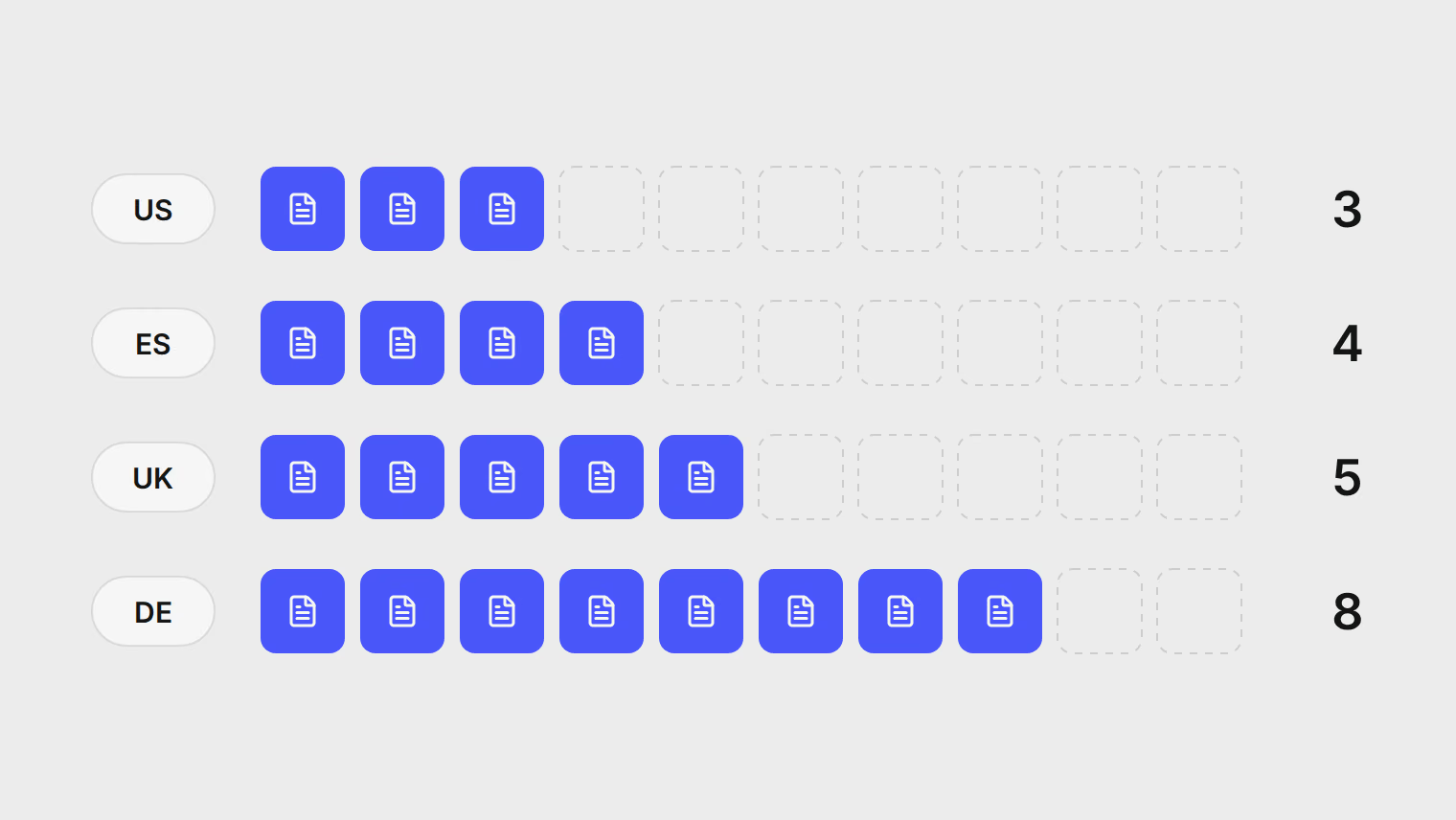
How long to keep bank statements: the rules in the US, UK, Spain and Germany
Retention periods from the tax authorities themselves, the exceptions that make them longer, and worked dates for when each year can go.
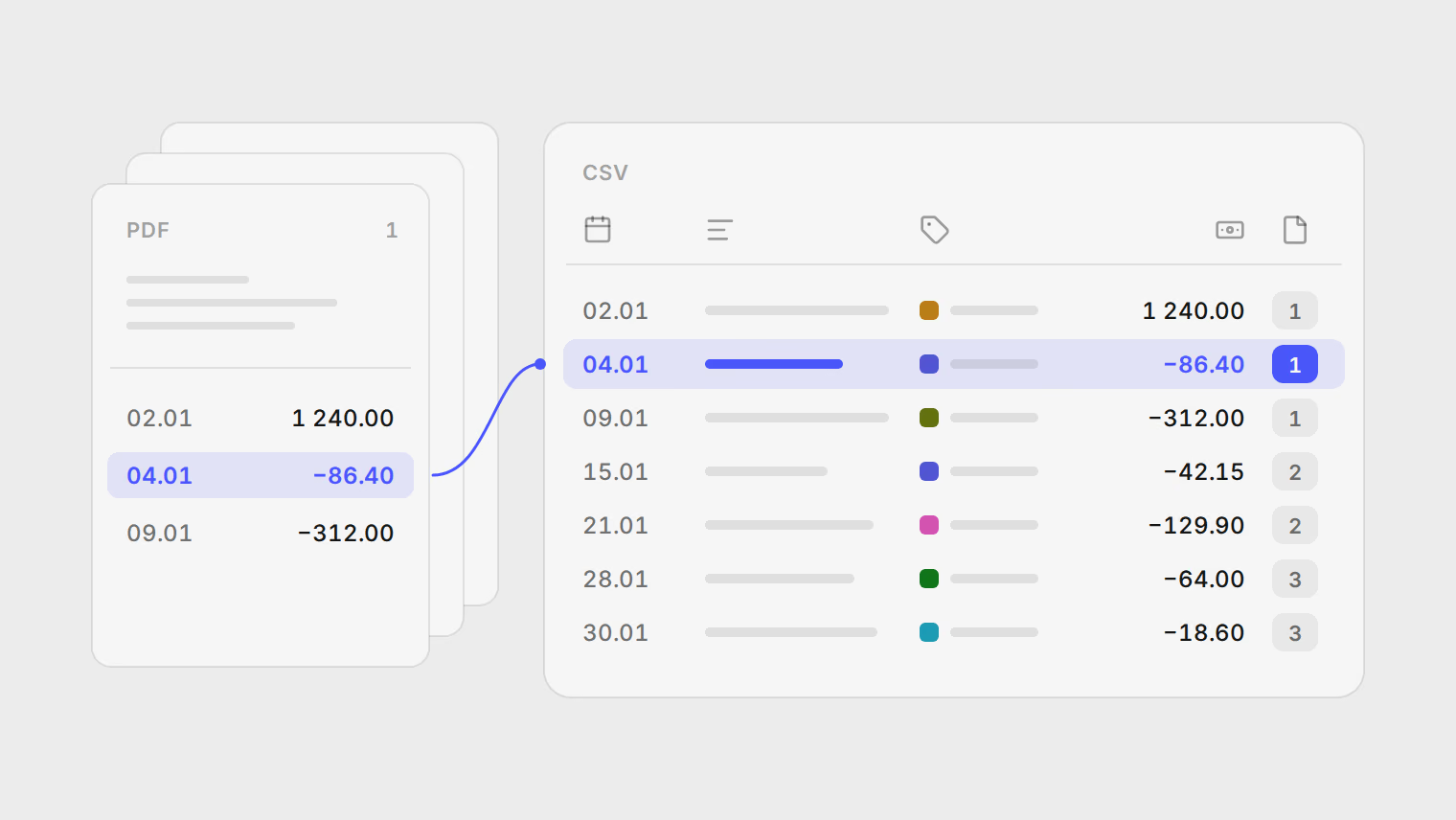
Bank statements for your accountant: one categorized CSV, traceable to every page
Turn a year of PDF statements into one categorized CSV your accountant can check line by line against the source documents.
Analyze a bank statement with AI: what a chatbot gets wrong, and what to use instead
Chatbots read statements well but skip rows, miscount totals and forget last month. How to check their work, or use a tool built for statements.
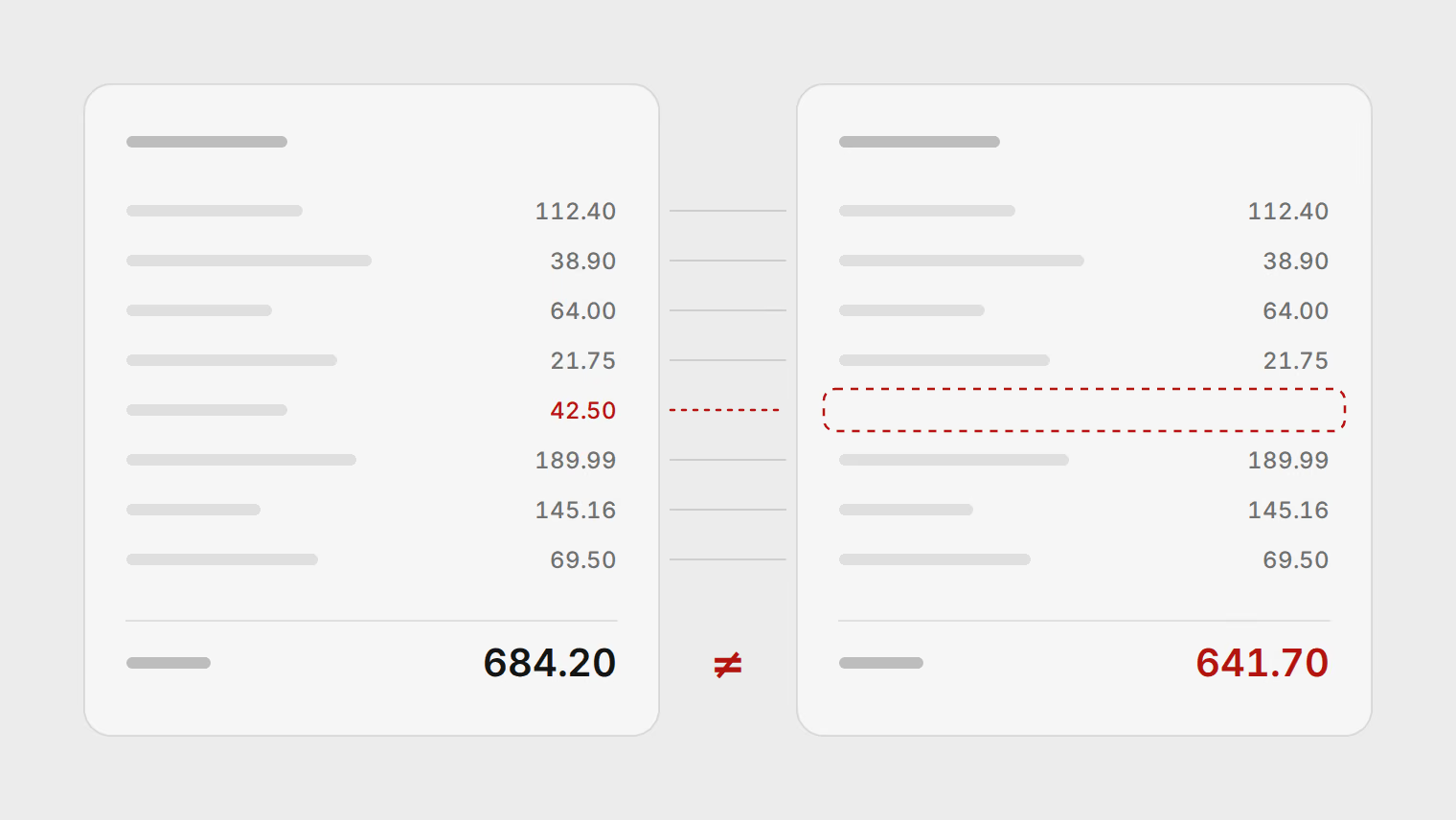
How to calculate your family's monthly expenses in Azerbaijan from bank statements
Add up a month of spending across Birbank, ABB, Leobank and cash in manat, leave out transfers, and check it against a 50/30/20 split.
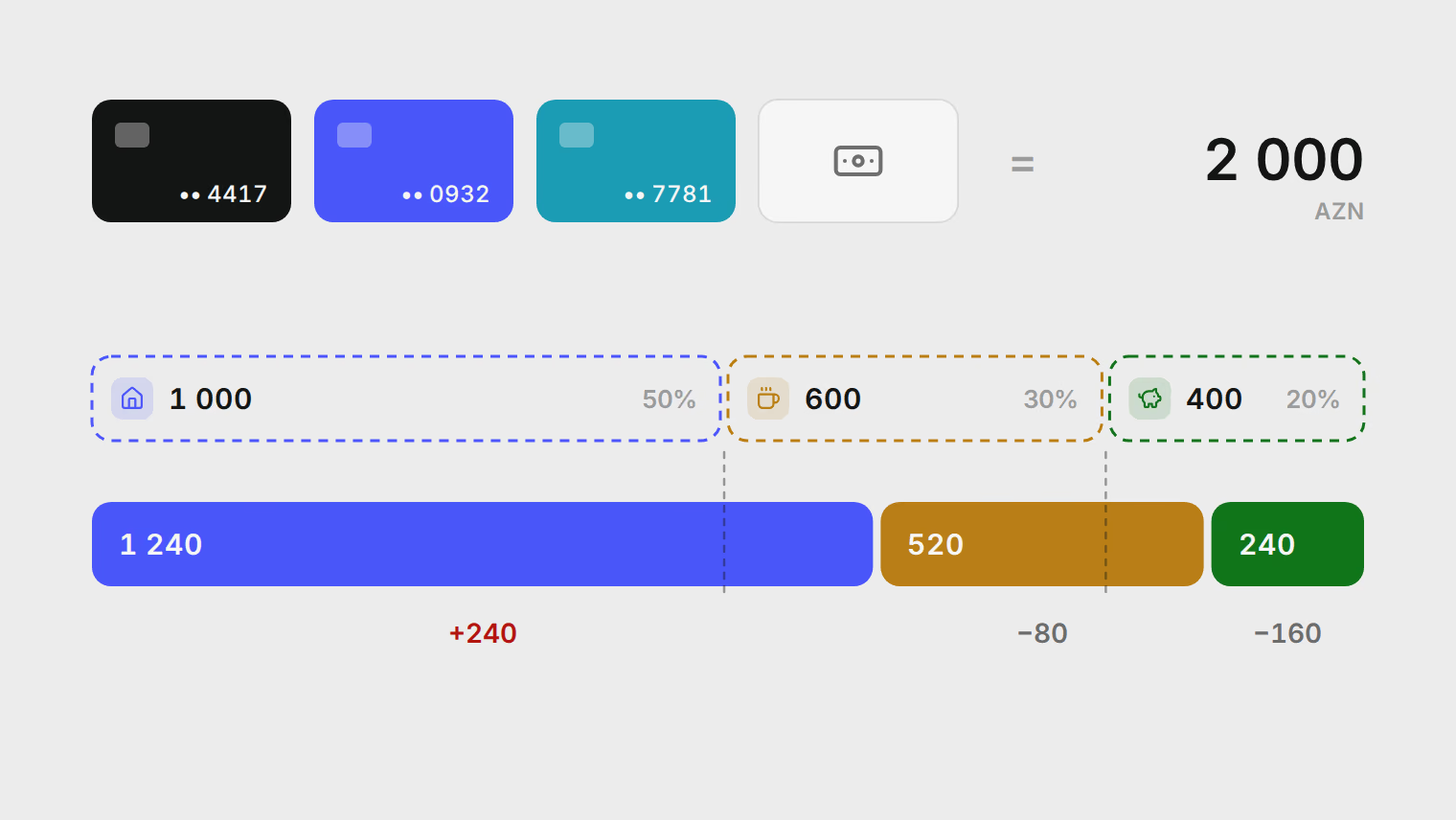
How to download your Birbank (Kapital Bank) statement and review spending
Find a Birbank statement in Azerbaijan, download the PDF, and review its transactions by merchant and category.
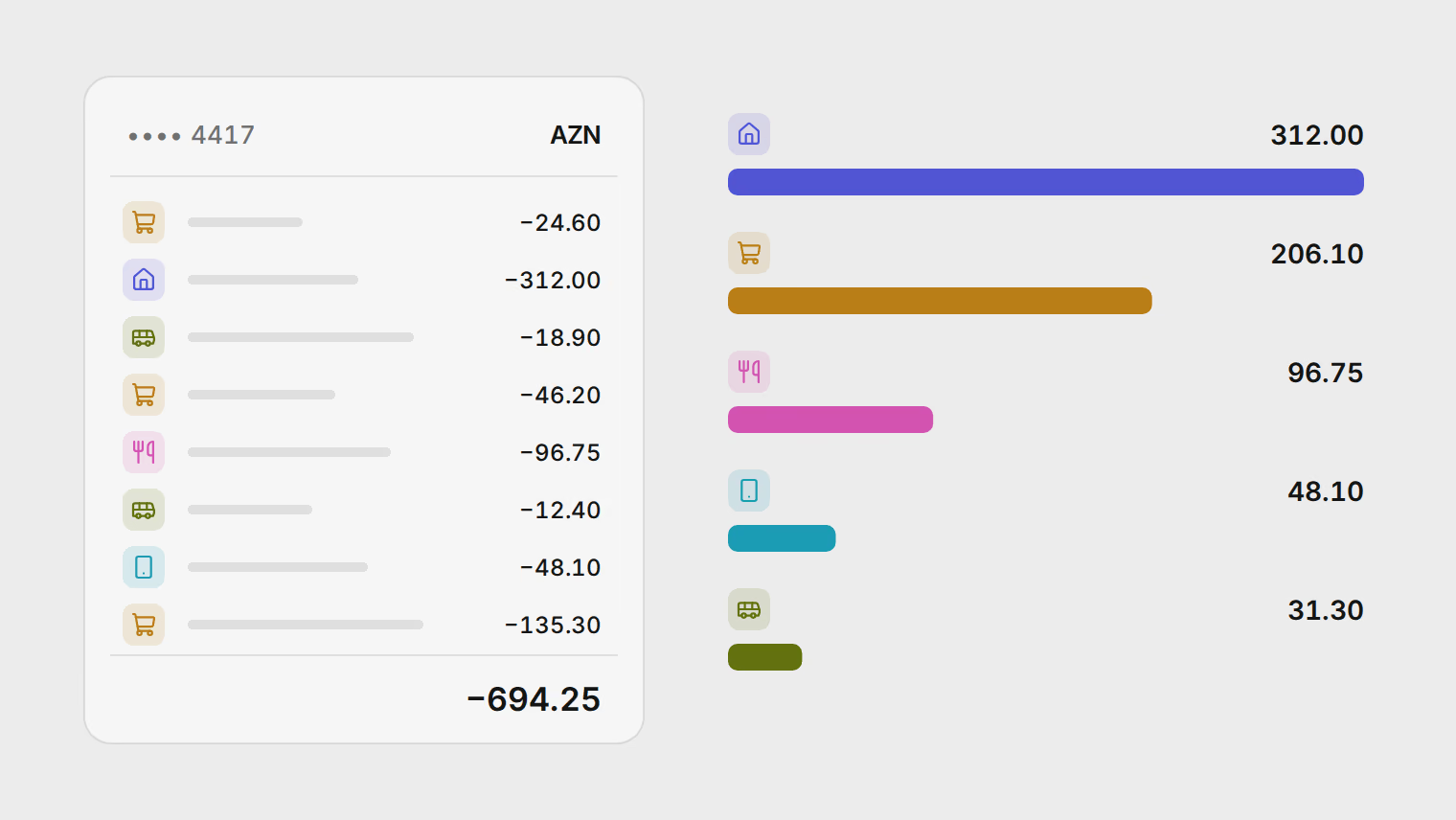
A Copilot Money alternative outside the US
Copilot Money supports US banks and US dollars only. How to track spending from statements in other countries and currencies, and bring your Copilot history.
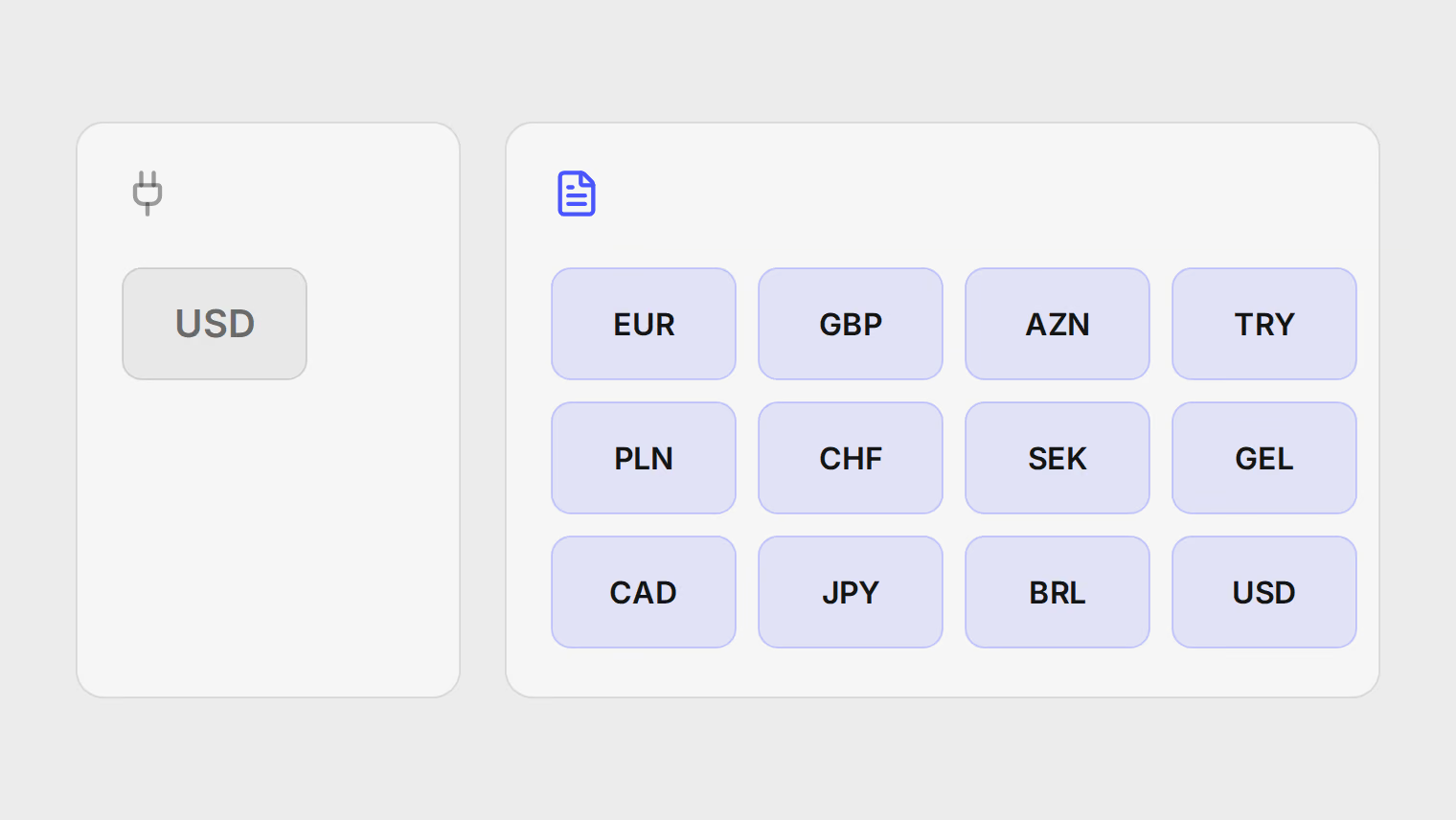
Multi-currency expense tracking for expats: Revolut, Wise and a local bank in one view
Put Revolut, Wise and a local bank in one spending view using statements, with each account in its own currency.
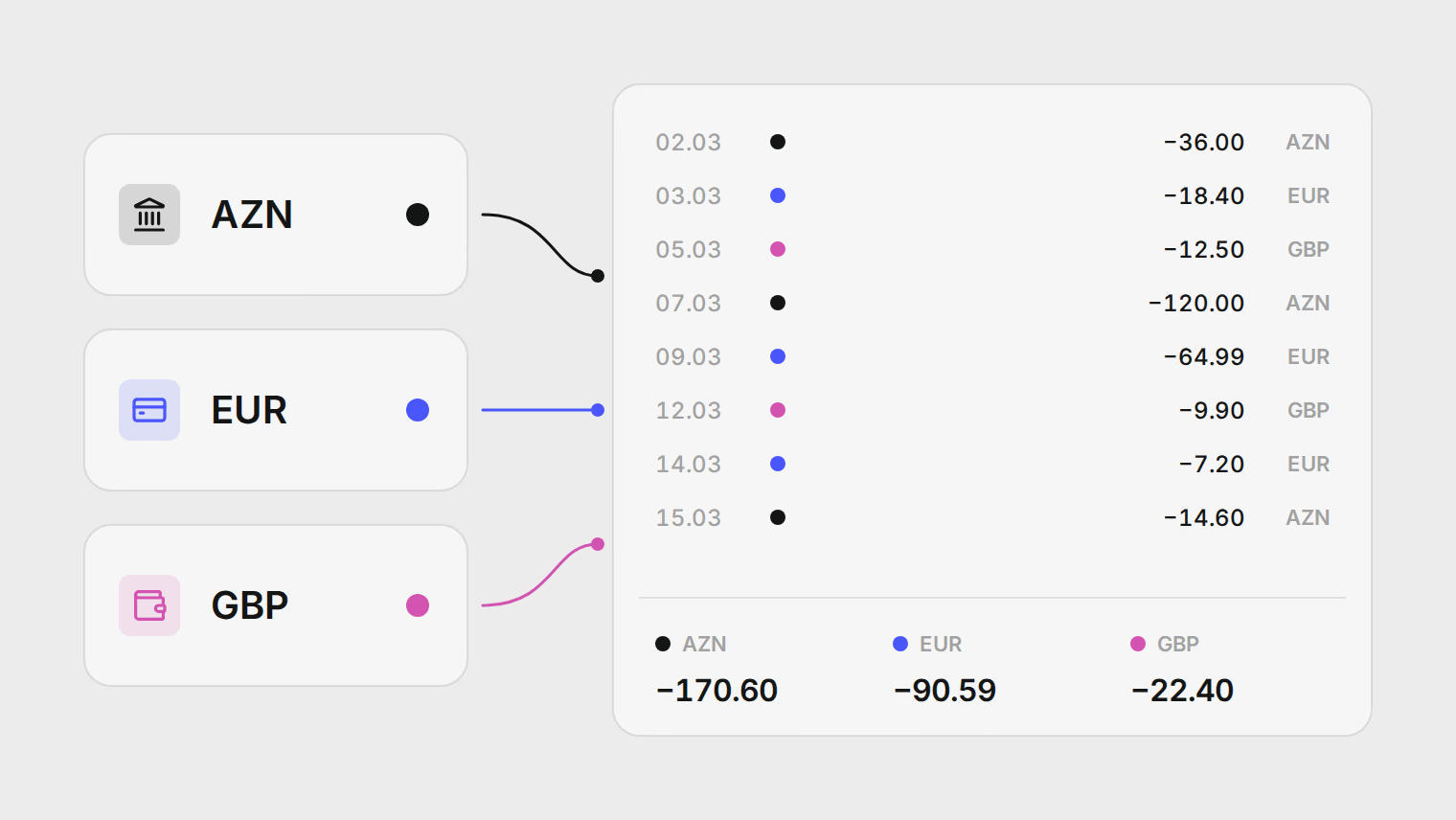
How to find recurring charges and forgotten subscriptions in your bank statement
A manual method that works on any statement, the charges it tends to miss, and how Pulget suggests recurring bills from your history.
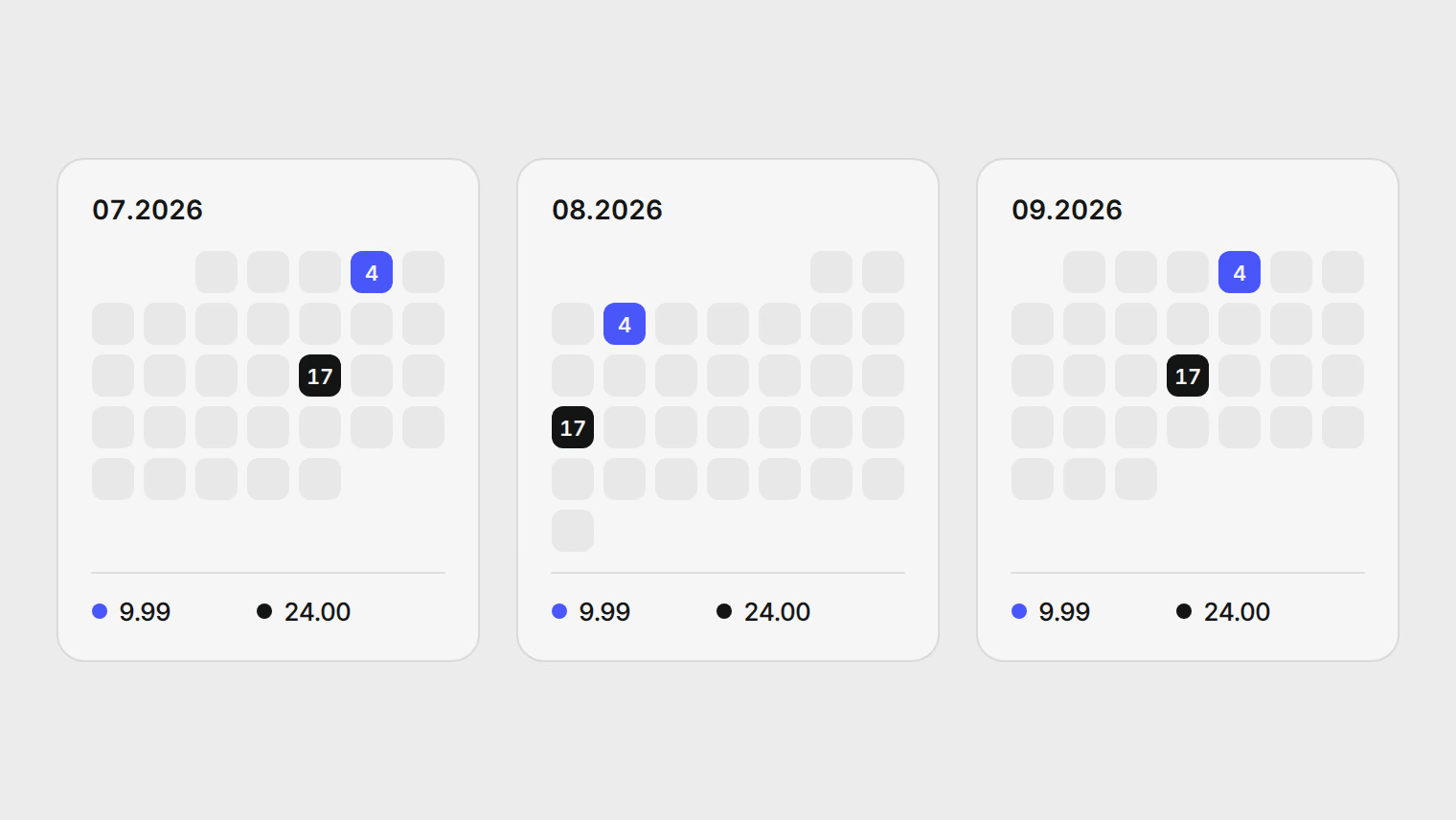
What did your move abroad cost? Add it up across banks and currencies
Work out the one-off cost of a relocation and your new monthly baseline from statements in two countries, without double-counting transfers.
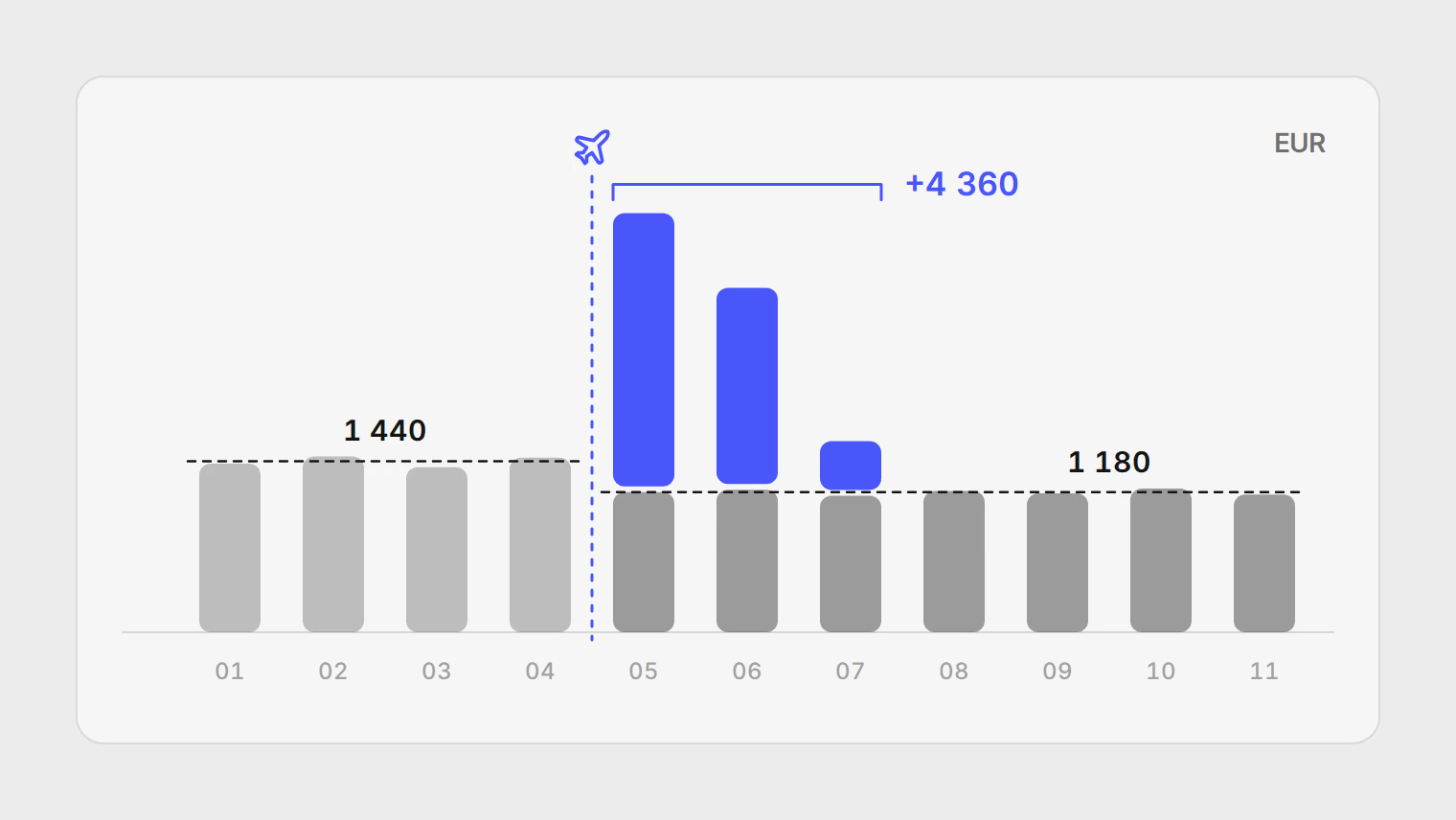
How to export a Revolut statement (PDF, Excel or CSV) and analyze it
Download a Revolut currency statement, choose the right file format, and review spending without connecting your account.
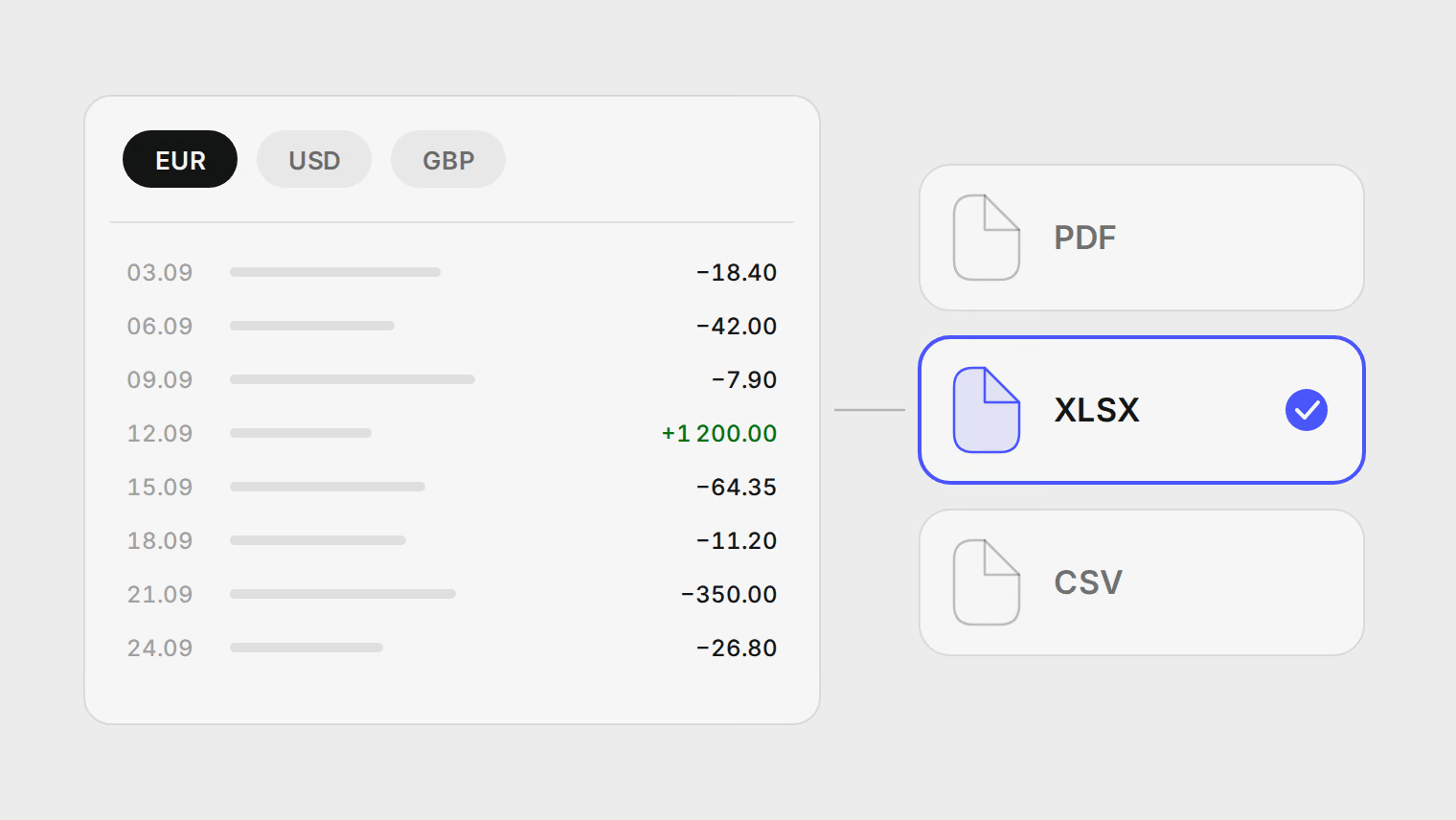
A YNAB alternative for banks YNAB does not support
YNAB imports CSV and OFX files when Direct Import misses your bank, but not PDF statements. How Pulget compares, and when to stay with YNAB.