The short answer
DocuClipper is a statement converter built for bookkeepers, accounting firms and small businesses. It is priced per page and sends the results to QuickBooks, Xero or Excel. If that is your work, it fits. If you are one person with a few accounts who hands a year of statements to an accountant, you pay for tools you will not use. Pulget reads the same PDFs, keeps one ledger across months and accounts, and exports a CSV that names the source file of every row. It has no QuickBooks or Xero output, so check what your accountant needs first.
What DocuClipper is built for
From DocuClipper's pricing page:
- Starter, for solo bookkeepers and small businesses: 60 pages for $29 a month, 120 pages for $39, or 300 pages for $79, billed monthly. Annual billing saves 30%.
- Business, for accounting, legal and financial firms: 640 pages for $159 a month, up to 1,500 pages for $299. It adds fraud detection, flow of funds analysis, team management and audit logs.
- Enterprise: from 1,800 pages at $399 a month up to 5,000 pages at $899.
- A 14-day free trial with no credit card. Pages do not carry over.
- It converts bank statements, invoices, receipts and CSVs, categorizes automatically, and has unlimited users and an API. It exports XLSX, CSV, QBO, IIF, OFX, QFX and QIF, and connects directly to QuickBooks Online and Xero.
Last checked on 18 November 2026 against DocuClipper's pricing page.
It is built for people who convert many statements for other people, and its pricing by the page follows from that.
What one person needs from a converter
Your own money asks different questions than a client's. A short checklist:
- It reads your files. Digital PDFs, and scanned ones, from each bank you use.
- Months join up. Statements overlap. March's file often repeats days from February's, and those rows must not count twice.
- Accounts keep their currency. A euro account and a dollar account are not one list of numbers.
- Repeats are visible. Subscriptions and regular income should show up without you hunting for them.
- Every row can be traced. An accountant asks where a figure came from. You want the file, and the page, behind it.
- The price fits one person. You may convert a few statements a month, not a few hundred.
A converter alone gives you a spreadsheet per statement. A ledger gives you one record that grows.
Do it in Pulget
Pulget works from files. It does not connect to your bank and never asks for a bank login.
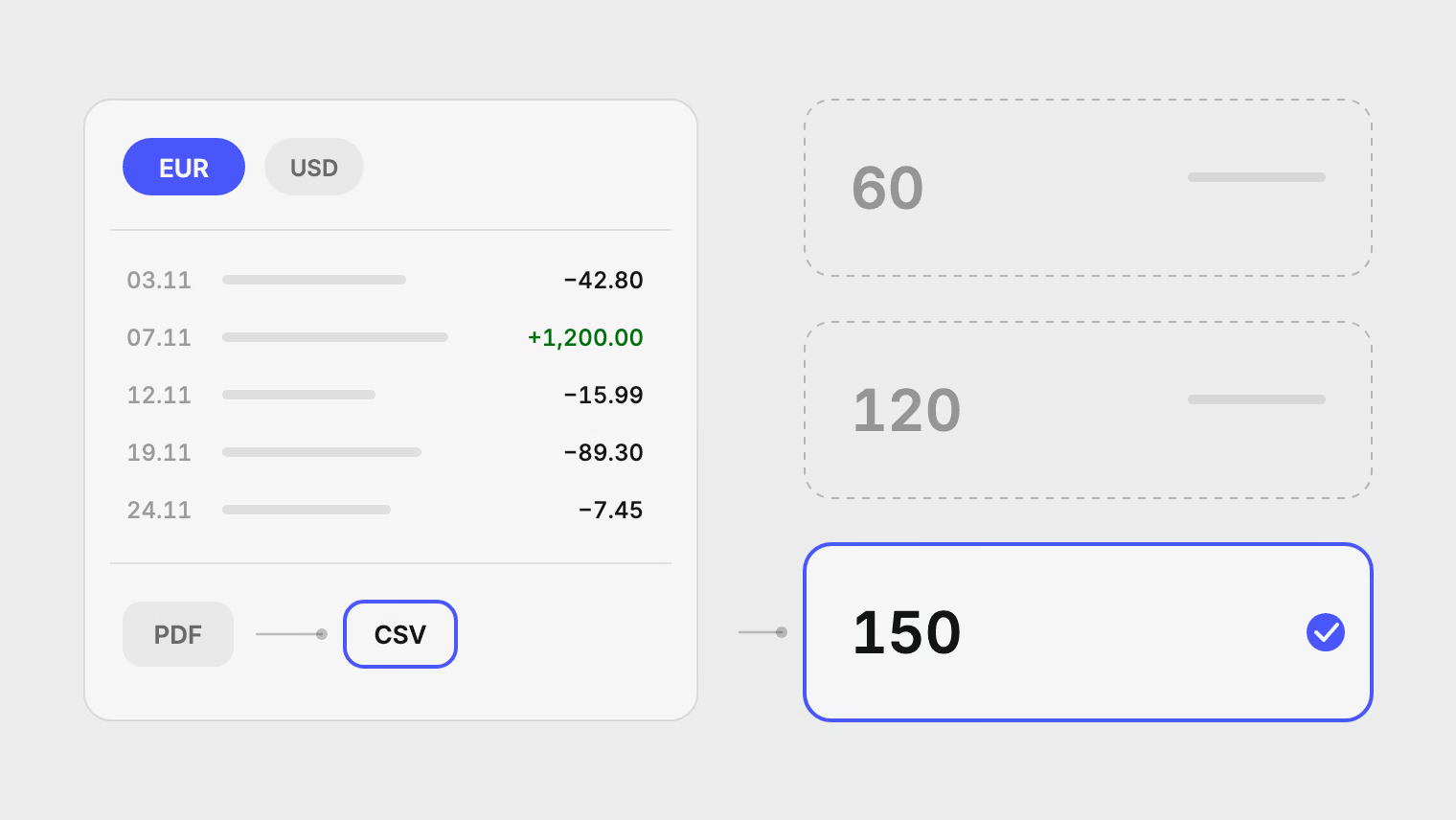
- Download the statement from your bank and upload it to the account it belongs to. PDF, CSV, XLS, XLSX and DOCX work, and scanned PDFs are read with OCR.
- Check the extracted rows in the import's review step and correct anything that was read wrongly.
- Approve the import. A row the account already holds is skipped, so overlapping statements do not add rows twice.
- Look at Duplicates in the Review inbox. Possible duplicates across files appear there, and you merge or keep each one.
- Export CSV from the Transactions page for your current filters, or from an account's or document's menu.
- Send the file to your accountant.
Each account has its own currency. Reports convert every transaction into one reporting currency at the published rate for its date, and keep the original amount. Charges that repeat are suggested as recurring bills, and income that arrives on a schedule as an income stream. You confirm each one.
The export is a UTF-8 CSV. It has the date in ISO format, the description, the cleaned merchant, the category, the signed amount, its currency, the amount in your reporting currency, the account and a Document column with the source file names. Each transaction in the app also opens its source file and, for a PDF, the page it came from. That is what an accountant needs to check a figure. The guide to statement CSVs lists every column, and what to send your accountant covers the handover.
Side by side
| Feature | DocuClipper | Pulget |
|---|---|---|
| Built for | Bookkeepers, firms, small businesses | One person and their own accounts |
| Inputs | Bank statements, invoices, receipts, CSVs | PDF, CSV, XLS, XLSX, DOCX; scans read with OCR |
| Outputs | XLSX, CSV, QBO, IIF, OFX, QFX, QIF | CSV, with the source file of each row |
| Integrations | QuickBooks Online, Xero, API | None |
| Across months | Not covered on its pricing page | One ledger; rows an account already holds are skipped |
| Currencies | Not covered on its pricing page | Each account in its own currency, one reporting currency |
| Price, 18 November 2026 | Starter 120 pages: $39 a month | Standard 150 pages: €9.99 a month, after preview |
| Trial | 14 days, no credit card | Free during preview, no card |
The prices are in different currencies, so they are not converted here. Compare them in the currency you pay in. Pulget counts a spreadsheet as one page per 100 rows, and the pricing page lists every limit.
Limits to know before you choose Pulget
- Standard reads up to 10 pages of a digital PDF and 3 pages of a scanned one per file, with up to 1,500 rows per spreadsheet. A long statement needs splitting.
- It has no QuickBooks or Xero integration, and no OFX or QBO export.
- It does not read invoices or receipts, only statements and transaction exports.
- It is one workspace for your own money. It is not a tool for managing many clients.
Where DocuClipper is the better choice
- You are a bookkeeper or a firm converting statements for several clients, and you need to keep them apart.
- Your accountant wants QuickBooks, Xero, QBO or OFX files, and you want a direct integration.
- You also have invoices and receipts to convert, not only statements.
- You need team seats, an API, audit logs or high page volumes.
If one of those is you, DocuClipper is built for it. Pulget is not.
Start with one statement
Upload the statement your accountant asked for, free during preview, and look at the review step before you approve anything. If the rows read correctly, add the rest of the year.
Sources
Related reading
About the author
Hikmat Samadov, Founder. Hikmat builds Pulget, a spending tracker that reads the bank statements you upload instead of connecting to your bank.