The short answer
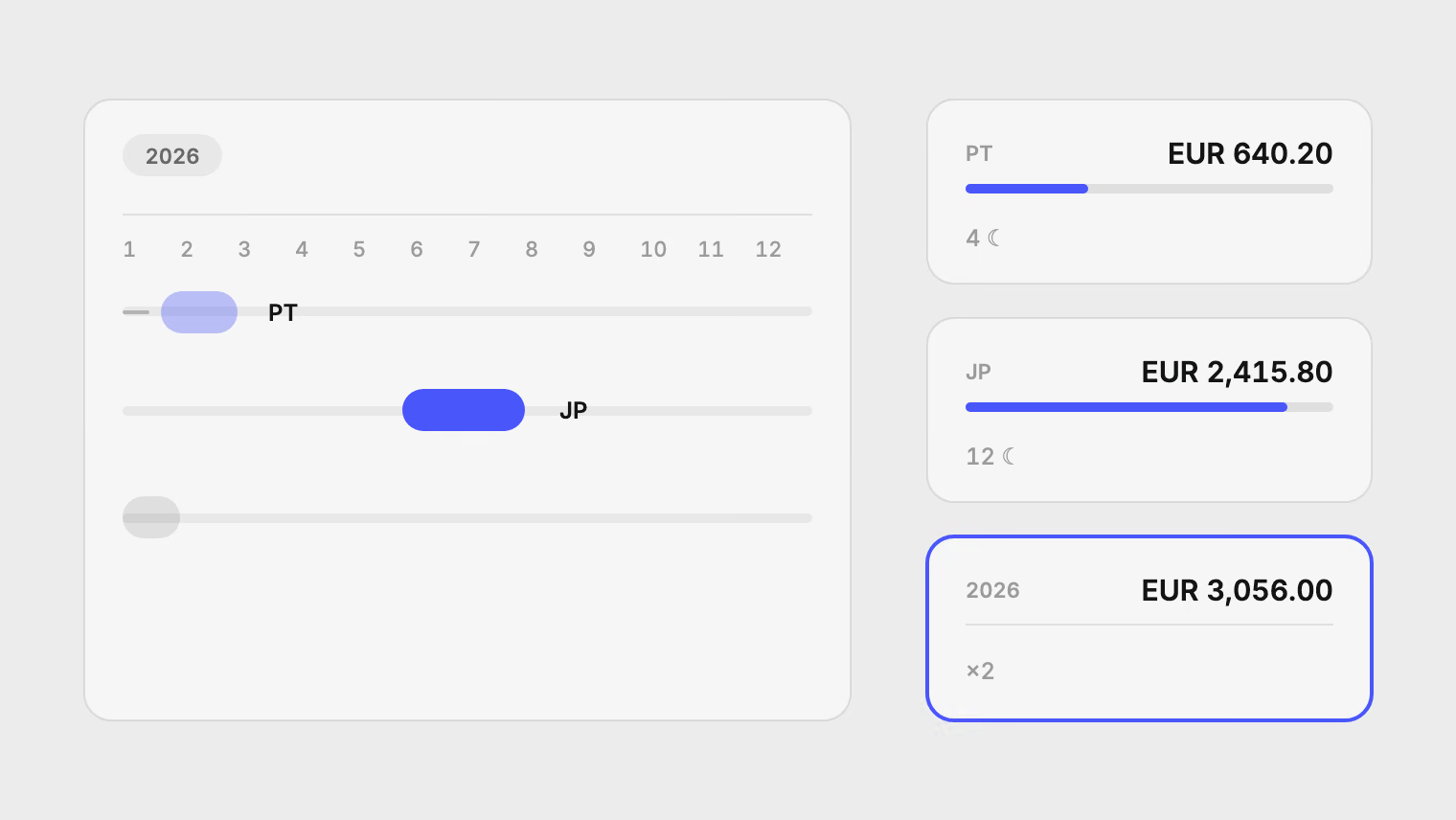
Add up the cost of each trip, then add up the trips. For each one, take the statement rows from the first booking to a few days after you are home, in one currency. Decide in advance whether a booking counts in the year it was paid or the year of the trip, and keep to that rule. Leave out top-ups of your own balances and purchases that were not travel. By hand, this means going through twelve months of statements from every card. Pulget finds the trips for you from the files you upload, and you add the trip totals for the year from Moments.
Why a year of travel is hard to add up
One trip is manageable. A year is not, because travel spreads out in three ways.
- Across accounts. The flight is on one card, the hotel on another, and the taxi on a balance you top up in euros.
- Across time. A flight booked in March is paid in March, but you fly in June. Some refunds arrive weeks after you return.
- Across currencies. A trip to two countries leaves two or three currencies on your statements, and each month has its own rates.
The single-trip method is in how to work out what a trip really cost. This article is about finding all the trips in the first place, and then putting them in one year.
Do it by hand
- List your trips for the year. Your calendar, your photos and your booking emails are the quickest sources. Write down the start and end date of each.
- For each trip, take the statement rows from the date of the first booking to a few days after you return. Do this for every card and account you used.
- Remove what was not travel (see the traps below), then total the rest in one currency. The trip cost article gives the conversion rules, such as using a reference rate for the date of each payment.
- Write each trip's total in a table. Add the column for the year.
Reference rates are published by the European Central Bank, among others.
Last checked on 18 November 2026 against the European Central Bank's euro reference rates page.
Five traps
Early bookings. A flight paid in March for a June trip falls in March by date and in June by purpose. Either rule is fine. Pick one before you start, or the same trip will be counted differently in two years.
Foreign companies that are not travel. An app or online shop registered abroad shows up as a foreign charge. If you were at home when it was charged, it is not a trip.
A move that looks like one long trip. If you moved countries, a year of spending in the new country is not travel. Only trips away from where you live count, and where you live changed on a date.
Refunds after the trip. A cancelled night or a returned ticket arrives later. Subtract it from the trip it belongs to, not from the month it landed.
Top-ups. Moving money from your bank into a multi-currency balance is a transfer. The spending is the card payment from that balance, so count that and not the top-up.
Find the trips in Pulget
Pulget reads the statements you upload. It does not connect to a bank. Trips are suggested from what those files show.
- Open Settings, then Preferences, and find the Travel section. Spending outside your home country is suggested as a trip, so Pulget needs to know where home is.
- If Pulget already shows "Picked from where you spend", it worked out a home for each period from your statements. Choose "Use the suggestion" if it is right. Otherwise choose "Set home" and pick your country.
- If you moved, choose "Add a move" and enter each home with the day it started, then "Save". The move itself is then not a trip, and visits back to your old country are.
- Upload statements for every card and account you used. Each import is checked as usual before you approve it.
- After an import, open the Review inbox. A stretch of spending outside your home appears as "Add this trip?" with the note "Your spending moved abroad for a while." It lists the dates, nights, places, and the transactions and bookings it found.
- Choose "Add trip" to create it in Moments, or "Not a trip" to dismiss it for those dates for good.
You can rename a trip and change its dates later. To look through your whole history again, open Moments and choose "Find trips". This needs a home country, and new trips appear in the Review inbox.
How Pulget decides what is a trip
The rules are plain, and they answer most of the traps above.
- A day abroad counts only when at least one charge that day was paid in person, as a card payment with a city or a place. A train ticket bought online from home is not a trip.
- Short visits to the same country, a few days apart, join into one trip.
- Flights, lodging, car hire and travel agency charges in the 60 days before the trip attach to it as bookings.
- Taxis and hotels on the day before or after the trip count.
- A merchant that is charged abroad but that you also pay from home, such as a foreign-registered delivery app, is ignored.
If a charge has no exchange rate yet, it is left out of the trip's total, and the suggestion says how many charges that is.
Read the year in Moments
Moments shows each trip's total in your reporting currency, its places, and a map of travel spend by country with trip routes. Each trip keeps the original amounts. Conversion uses the published rate for each date, or the closest earlier one, and you can enter your own rate on a transaction.
For the year, add up the trip totals in Moments. Pulget has no single "travel per year" figure, so that last sum is yours, but it is a short list.
Refunds and top-ups still need your eye. A top-up between your own accounts is a transfer, not a trip cost. Same-amount, same-currency pairs are suggested in the Review inbox. A transfer that changes currency you group by hand on the Transactions page. The multi-currency guide explains how reporting currency and rates work.
If a card charged you in your own currency, the statement amount is what you paid, markup included. Check the card exchange rate shows how to compare it with the published rate.
What this does not do
- It only sees statements you upload. A trip you paid for in cash, or that someone else paid for, is invisible.
- A card that posts without a city may not prove you were there. Check the suggestions before you add them.
- It has no budgets and does not plan trips. It looks back at what you spent.
- It does not show live balances.
If you moved abroad in the same period, the relocation cost article covers that side of the money.
Start with last year's statements
Upload the statements for every card you used last year, free during preview, set your home country, and read the trips in the Review inbox. Pricing lists how many accounts and pages the Standard plan counts.
Sources
Related reading
About the author
Hikmat Samadov, Founder. Hikmat builds Pulget, a spending tracker that reads the bank statements you upload instead of connecting to your bank.